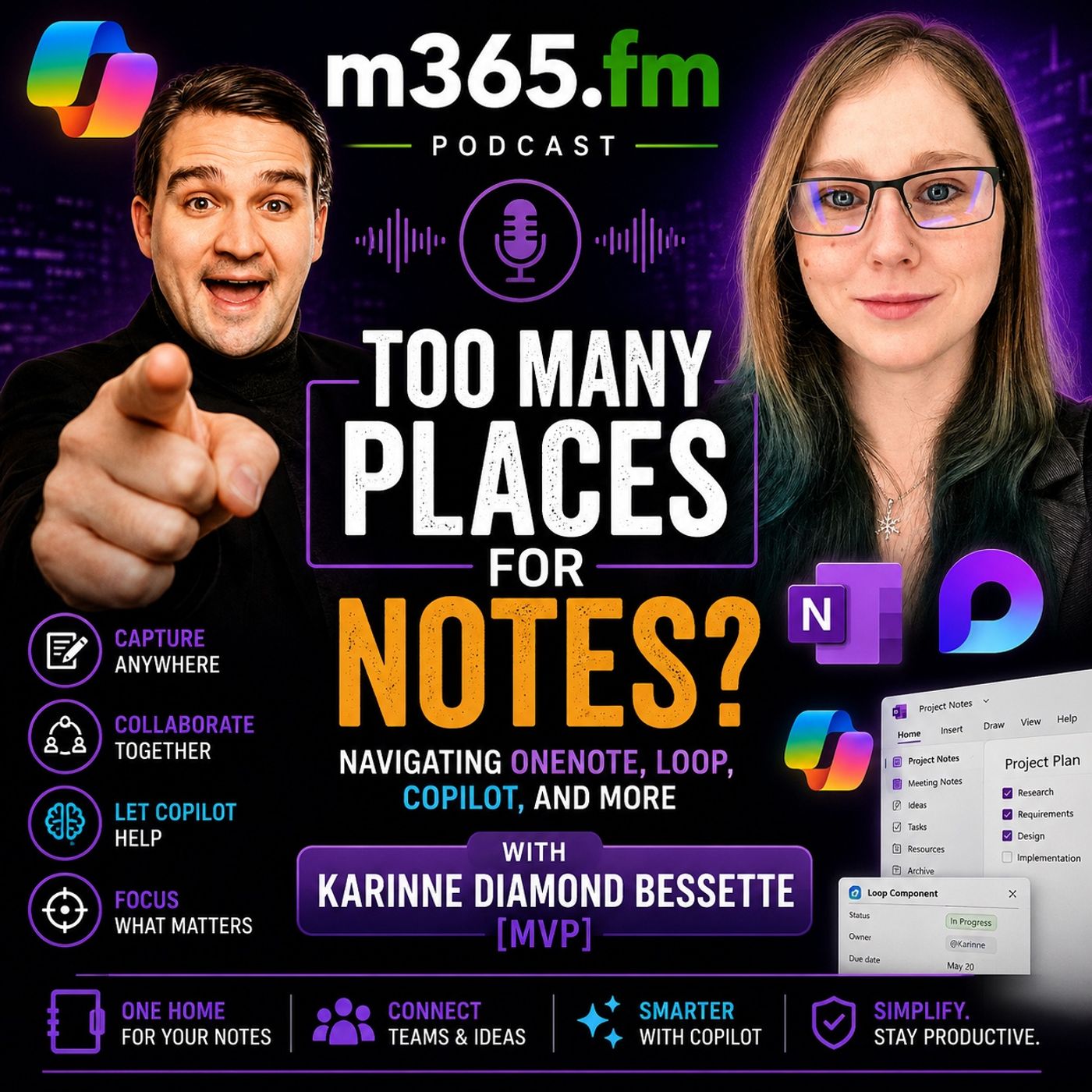
Too Many Places for Notes: Navigating OneNote, Loop, Copilot, and More with Karinne Diamond Bessette [MVP]
Get every episode summarized
Each time M365.FM - Modern work, security, and productivity with Microsoft 365 publishes, we email you a written briefing from the transcript — the topics, who appeared, and any specific claims, with the ad reads skipped.
Email me new episodesFree for 3 shows. No card needed.
About this episode
THE EVOLUTION OF MICROSOFT 365 COLLABORATION
Karinne shares her journey from support engineering and operations into the world of enablement, technical storytelling, and Microsoft 365 advocacy. Her experience helping both technical and non-technical users gives her a unique perspective on how collaboration tools should work in real-world environments. Throughout the episode, she repeatedly emphasizes the importance of translating technology into something humans can actually understand and use effectively. One of the central themes in the discussion is the growing complexity of the Microsoft 365 ecosystem. What once started as a productivity suite focused on Word, Excel, and Outlook has evolved into a massive connected collaboration platform with overlapping tools, AI integrations, and constantly changing workflows. Karinne explains that while flexibility is valuable, it also creates a major challenge for users trying to decide where to create notes, how to manage information, and how to avoid duplication.
WHY ONENOTE STILL MATTERS
The conversation dives deeply into the evolution of note-taking itself. Karinne explains how she originally moved from scattered text files on her desktop into OneNote because it allowed her to centralize and search information more effectively. However, she also introduces one of the most memorable quotes of the episode: “OneNote is where notes go to die.” The problem, according to Karinne, is not that OneNote is bad. The issue is that many users capture information inside notebooks but never revisit it, organize it properly, or connect it to actionable workflows. Important ideas often disappear into large personal notebook structures without reminders, visibility, or collaboration.
HOW LOOP IS CHANGING TEAMWORK
This naturally leads into one of the episode’s biggest topics: Microsoft Loop. Karinne explains why Loop has become one of her favorite tools inside the Microsoft ecosystem. She describes Loop as a bridge between email, Teams, tasks, and collaborative content. Rather than creating multiple copies of information across different applications, Loop allows users to maintain a single shared component that stays synchronized everywhere it appears. This creates what she calls a “single source of truth” experience for collaboration. The episode explores several practical use cases where Loop becomes extremely powerful:
- Shared meeting notes
- Collaborative task tracking
- Persistent project updates
- Cross-team coordination
COPILOT PAGES, NOTEBOOKS & AI CONTEXT
The conversation also dives into Microsoft Copilot Pages and Copilot Notebooks, which Karinne sees as the next evolution of contextual AI collaboration. These tools allow organizations to gather multiple information sources into centralized workspaces that can then ground AI responses against a specific project context. Karinne shares a practical example from a large event project where she combined:
- Emails
- Teams messages
- Planning calls
- Loop pages
THE FUTURE OF ENTERPRISE SEARCH
Another major theme throughout the episode is enterprise search and how AI is fundamentally changing the way organizations retrieve information. Karinne explains that traditional folder structures and file organization are becoming less important because Copilot increasingly understands context, relationships, and semantic meaning rather than relying purely on filenames or locations. She shares an example where she could not manually locate an old PowerPoint presentation but was able to ask Copilot about a presentation tied to a specific event date — and the AI surfaced the correct file almost instantly. This shift toward contextual search represents one of the biggest changes in knowledge management the Microsoft ecosystem has ever seen.
WHY GOVERNANCE & METADATA MATTER MORE THAN EVER
The discussion also highlights the growing importance of metadata, governance, and information hygiene in the AI era. Karinne introduces the concept of “ROT data,” which stands for:
- Redundant
- Obsolete
- Trivial
ENABLEMENT IS THE MISSING PIECE
Another powerful part of the episode focuses on workplace enablement and digital adoption. Karinne believes organizations need more people acting as translators between technical systems and business users. She explains that technology alone does not create productivity. Companies need internal champions who can guide users, simplify concepts, encourage learning, and help teams understand how tools should actually fit into their daily workflows. The episode highlights how organizations often underestimate the importance of:
- Training
- Adoption programs
- Internal champions
- Learning culture
AI, CREATIVITY & HUMAN COLLABORATION
The episode also touches on AI creativity, collaboration, and the fear that AI may reduce human thinking. Karinne strongly disagrees with the idea that AI makes people less intelligent. Instead, she sees AI as a brainstorming partner and creative accelerator that can help users refine ideas, organize concepts, and improve communication. She shares examples of using AI to enhance presentation structures, storytelling, and content development while still relying heavily on human expertise and editing. According to Karinne, AI works best when humans stay actively involved in shaping the final outcome.
THE FUTURE OF WORK INSIDE MICROSOFT 365
Toward the end of the conversation, the discussion shifts toward future Microsoft 365 trends. Karinne highlights how Microsoft is increasingly moving toward AI-grounded collaboration, context-aware productivity, integrated workspaces, and agent-driven workflows. She believes the future of work will rely less on manually navigating applications and more on AI systems capable of understanding intent, surfacing context, and orchestrating workflows automatically. The conversation paints a picture of a future where collaboration becomes:
- More contextual
- More intelligent
- More connected
- More AI-assisted
Become a supporter of this podcast: https://www.spreaker.com/podcast/m365-fm-a-microsoft-mvp-podcast-by-mirko-peters--6704921/support.
Get every episode summarized
Each time M365.FM - Modern work, security, and productivity with Microsoft 365 publishes, we email you a written briefing from the transcript — the topics, who appeared, and any specific claims, with the ad reads skipped.
Email me new episodesFree for 3 shows. No card needed.
Know when Karinne Diamond Bessette turns up
Follow Karinne Diamond Bessette and once a week we email you every new episode they appeared on — including guest spots the show notes never mention, because we read the transcript.
Follow Karinne Diamond BessetteFree. Pick your own day and time.
Hosts & guests
No transcript yet
This episode has not been transcribed. Request it and it moves to the front of the queue.
More episodes
More from M365.FM - Modern work, security, and productivity with Microsoft 365

Constraint-Based Scheduling: The Architecture That Makes Production Plans Real
M365.FM - Modern work, security, and productivity with Microsoft 365

A Machine Goes Down. How Should Your Production Plan React?
M365.FM - Modern work, security, and productivity with Microsoft 365

Can Value Stream Mapping Become a Live Data Model?
M365.FM - Modern work, security, and productivity with Microsoft 365

How Finite Capacity Scheduling Actually Works in Manufacturing
M365.FM - Modern work, security, and productivity with Microsoft 365