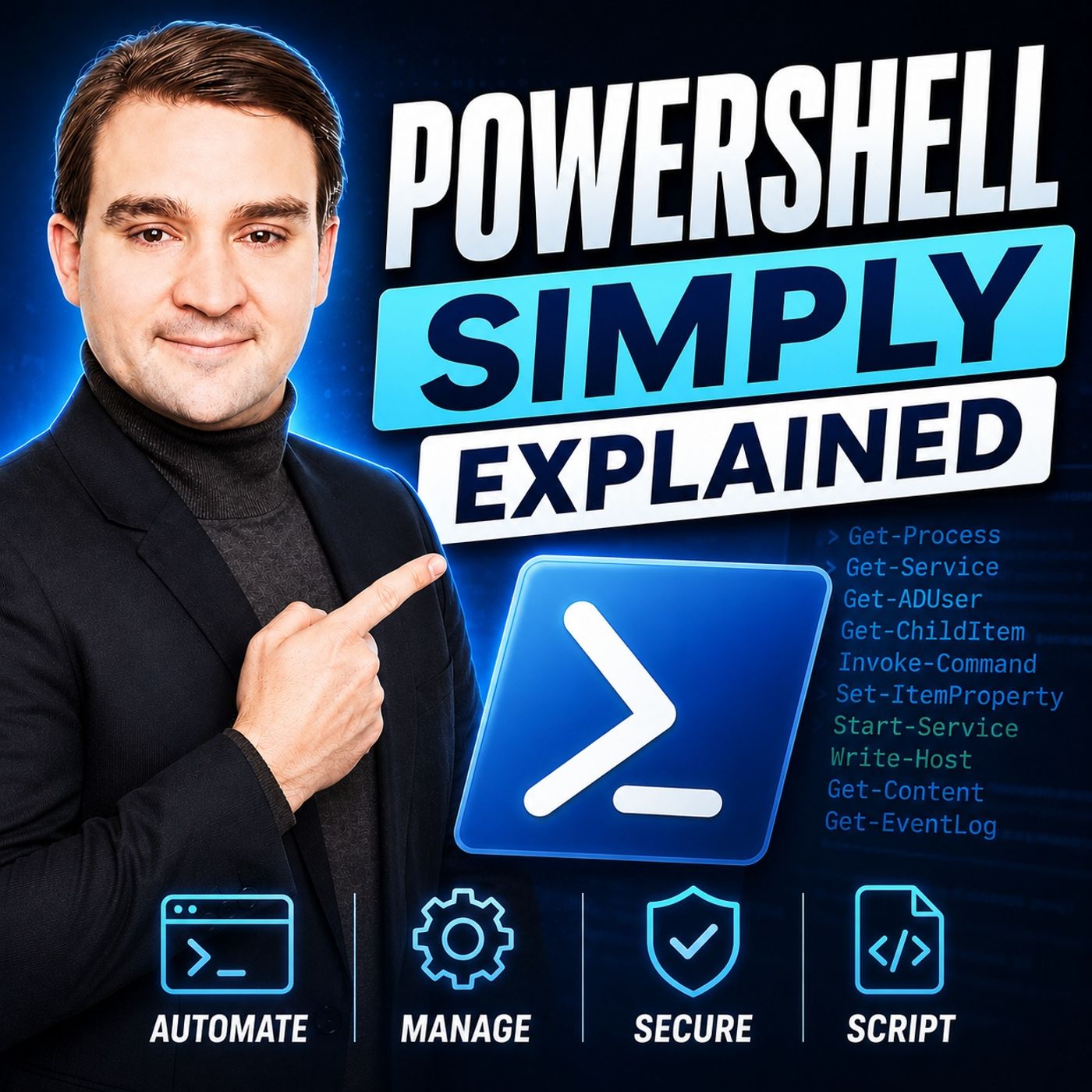
PowerShell - Simply Explained
Get every episode summarized
Each time M365.FM - Modern work, security, and productivity with Microsoft 365 publishes, we email you a written briefing from the transcript — the topics, who appeared, and any specific claims, with the ad reads skipped.
Email me new episodesFree for 3 shows. No card needed.
About this episode
WHY POWERSHELL CHANGED WINDOWS ADMINISTRATION
Before PowerShell, Windows administrators relied on a collection of disconnected tools including batch files, VBScript, graphical management consoles, and countless manual processes. Every product had its own interface and automation model. PowerShell unified everything under one consistent language, enabling administrators to manage local computers, cloud services, servers, Active Directory, Microsoft 365, Azure, and even Linux systems using the same commands and scripting principles.
THE VERB-NOUN COMMAND STRUCTURE
PowerShell commands follow an intuitive Verb-Noun naming convention that makes them easy to understand and discover. Commands such as Get-Process, Get-Service, Start-Service, Stop-Process, New-Item, and Remove-Item immediately describe both the action being performed and the object being managed. Once you understand this simple pattern, learning PowerShell becomes far easier because thousands of cmdlets follow the same predictable structure.
OBJECTS INSTEAD OF TEXT
Unlike traditional command-line tools that return plain text, PowerShell works with structured .NET objects. Every command returns data containing properties and methods that can be filtered, sorted, grouped, exported, or passed directly into another command. This object-oriented approach eliminates fragile text parsing while making automation more reliable, scalable, and significantly easier to build. It is one of the key innovations that separates PowerShell from traditional command-line environments.
ESSENTIAL CMDLETS EVERY ADMINISTRATOR SHOULD KNOW
PowerShell offers thousands of cmdlets, but most daily administration tasks rely on a handful of core command groups. Discovery commands like Get-Help, Get-Command, and Get-Member help users learn the platform. Filesystem cmdlets manage files and folders, system cmdlets control processes and services, filtering cmdlets shape information, while export cmdlets generate reports that integrate directly with Excel, CSV, JSON, and other business tools. Mastering these fundamentals provides a strong foundation for almost every PowerShell scenario.
DISCOVERING COMMANDS WITHOUT MEMORIZING THEM
One of PowerShell's greatest strengths is its discoverability. Users don't need to memorize hundreds of commands because PowerShell includes built-in documentation and search capabilities. Get-Help provides complete documentation with examples, Get-Command lists available cmdlets, and Get-Member reveals every property and method returned by an object. These tools transform PowerShell into a self-learning platform that encourages exploration instead of memorization.
FILTERING, REPORTING AND AUTOMATION
PowerShell truly shines when multiple commands are connected through the pipeline. Administrators can retrieve information, filter results using Where-Object, select relevant properties with Select-Object, sort data, and export professional reports using Export-Csv—all within a single command. Tasks that previously required hours of manual clicking can often be automated into repeatable scripts that execute consistently across hundreds or even thousands of systems.
MANAGING THE MICROSOFT ECOSYSTEM
PowerShell has become the automation language of the Microsoft ecosystem. Beyond Windows itself, administrators use it to manage Microsoft Entra ID, Azure, Microsoft 365, Exchange Online, Microsoft Teams, SharePoint Online, Active Directory, Hyper-V, SQL Server, and countless third-party platforms. Because the same automation patterns apply across every workload, learning PowerShell creates a skillset that remains valuable throughout modern IT infrastructure and cloud administration.
GETTING STARTED WITH POWERSHELL
The easiest way to begin is by automating repetitive daily tasks. Start with simple one-line commands, explore cmdlets using Get-Help and Get-Command, then gradually build scripts that replace manual administration. Microsoft Learn provides free learning paths, while the PowerShell Gallery offers thousands of community-built modules that extend PowerShell's capabilities across nearly every Microsoft product and cloud service.
KEY TAKEAWAYS
PowerShell is far more than a command prompt—it's Microsoft's universal automation platform. By combining structured data, object-oriented commands, reusable scripts, and remote management capabilities, PowerShell enables IT professionals to automate repetitive work, reduce human error, improve consistency, and manage entire environments from a single console. Whether you're administering one computer or thousands of cloud resources, PowerShell provides the tools to work faster, smarter, and more efficiently.
Become a supporter of this podcast: https://www.spreaker.com/podcast/m365-fm-a-microsoft-mvp-podcast-by-mirko-peters--6704921/support.
Get every episode summarized
Each time M365.FM - Modern work, security, and productivity with Microsoft 365 publishes, we email you a written briefing from the transcript — the topics, who appeared, and any specific claims, with the ad reads skipped.
Email me new episodesFree for 3 shows. No card needed.
Know when Microsoft's PowerShell Team turns up
Follow Microsoft's PowerShell Team and once a week we email you every new episode they appeared on — including guest spots the show notes never mention, because we read the transcript.
Follow Microsoft's PowerShell TeamFree. Pick your own day and time.
Hosts & guests
No transcript yet
This episode has not been transcribed. Request it and it moves to the front of the queue.
More episodes
More from M365.FM - Modern work, security, and productivity with Microsoft 365

Constraint-Based Scheduling: The Architecture That Makes Production Plans Real
M365.FM - Modern work, security, and productivity with Microsoft 365

A Machine Goes Down. How Should Your Production Plan React?
M365.FM - Modern work, security, and productivity with Microsoft 365

Can Value Stream Mapping Become a Live Data Model?
M365.FM - Modern work, security, and productivity with Microsoft 365

How Finite Capacity Scheduling Actually Works in Manufacturing
M365.FM - Modern work, security, and productivity with Microsoft 365