newsJul 21, 202613:45pending
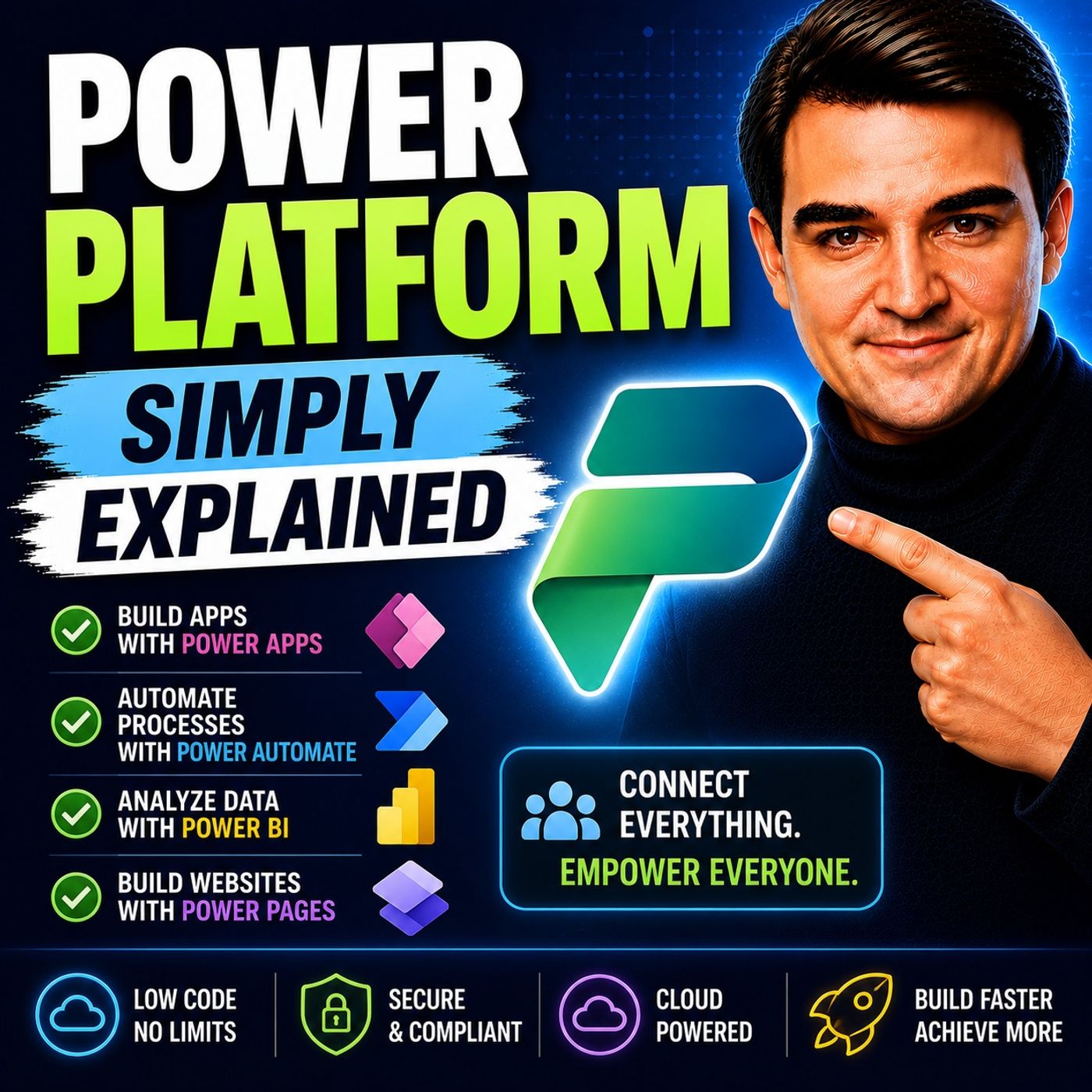
Power Platform - Simply Explained
About this episode
Welcome to another episode of Knowledge Nuggets with Mirko Peters. In this episode, we're exploring the Microsoft Power Platform—Microsoft's low-code ecosystem for building applications, automating business processes, analyzing data, and creating AI-powered experiences without traditional software development. Many organizations still rely on spreadsheets, email chains, paper forms, and disconnected business systems. Information lives in multiple places, employees spend hours copying data between applications, and repetitive work slows everyone down. Microsoft Power Platform solves this challenge by connecting your existing Microsoft 365 environment into one intelligent platform where business users and developers can build solutions together using little or no code.
WHY POWER PLATFORM EXISTS
Every business has repetitive work. Employees manually:
POWER BI – UNDERSTAND YOUR DATA
Power BI is the analytics component of the Power Platform. It transforms raw business data into interactive dashboards and reports that help organizations make informed decisions. Power BI connects to:
POWER AUTOMATE – AUTOMATE THE WORK
Once organizations understand their data, they often want to automate repetitive tasks. That's where Power Automate comes in. Power Automate uses simple triggers and actions to automate business processes. Typical scenarios include:
POWER APPS – BUILD BUSINESS APPLICATIONS
Power Apps provides the user interface for business processes. Instead of purchasing expensive custom software, organizations can build applications tailored to their own requirements. Power Apps supports two application models. Canvas Apps Designed visually using drag-and-drop controls. Perfect for:
COPILOT STUDIO – ADD AI
One of the newest members of the Power Platform is Microsoft Copilot Studio. Previously known as Power Virtual Agents, it has evolved into a platform for building AI agents that can:
DATAVERSE – THE FOUNDATION
Behind every Power Platform solution sits Microsoft Dataverse. Dataverse provides:
HOW EVERYTHING WORKS TOGETHER
The real strength of the Power Platform isn't any individual product—it's how they integrate. Consider an expense approval process. An employee submits an expense using Power Apps. The information is securely stored in Dataverse. Power Automate detects the submission and routes it to a manager for approval. The manager reviews spending trends through a Power BI dashboard. A Copilot Studio AI agent summarizes the request and recommends an approval decision. Once approved, Power Automate updates financial systems, sends confirmation emails, and records everything automatically. Five different services collaborate to complete one seamless business process with minimal manual effort.
REAL-WORLD ADOPTION
Organizations around the world are already using Power Platform to modernize operations. Companies build:
Become a supporter of this podcast: https://www.spreaker.com/podcast/m365-fm-a-microsoft-mvp-podcast-by-mirko-peters--6704921/support.
WHY POWER PLATFORM EXISTS
Every business has repetitive work. Employees manually:
- Copy information between systems
- Process approval requests
- Update spreadsheets
- Create reports
- Build temporary databases
- Track projects
- Exchange countless emails
POWER BI – UNDERSTAND YOUR DATA
Power BI is the analytics component of the Power Platform. It transforms raw business data into interactive dashboards and reports that help organizations make informed decisions. Power BI connects to:
- Excel
- SQL Server
- Dataverse
- SharePoint
- Salesforce
- Azure
- Hundreds of additional data sources
POWER AUTOMATE – AUTOMATE THE WORK
Once organizations understand their data, they often want to automate repetitive tasks. That's where Power Automate comes in. Power Automate uses simple triggers and actions to automate business processes. Typical scenarios include:
- Approval workflows
- Email notifications
- Document processing
- File synchronization
- Task creation
- Data movement
- ERP integrations
POWER APPS – BUILD BUSINESS APPLICATIONS
Power Apps provides the user interface for business processes. Instead of purchasing expensive custom software, organizations can build applications tailored to their own requirements. Power Apps supports two application models. Canvas Apps Designed visually using drag-and-drop controls. Perfect for:
- Mobile apps
- Inspection forms
- Field workers
- Simple business processes
- Custom user experiences
- CRM systems
- HR solutions
- Asset management
- Customer databases
- Enterprise applications
COPILOT STUDIO – ADD AI
One of the newest members of the Power Platform is Microsoft Copilot Studio. Previously known as Power Virtual Agents, it has evolved into a platform for building AI agents that can:
- Answer questions
- Access business systems
- Trigger Power Automate workflows
- Retrieve organizational knowledge
- Collaborate with other AI agents
- Microsoft Teams
- Websites
- Mobile applications
- Microsoft 365 Copilot
DATAVERSE – THE FOUNDATION
Behind every Power Platform solution sits Microsoft Dataverse. Dataverse provides:
- Secure cloud storage
- Business tables
- Relationships
- Role-based security
- Business rules
- Centralized data management
HOW EVERYTHING WORKS TOGETHER
The real strength of the Power Platform isn't any individual product—it's how they integrate. Consider an expense approval process. An employee submits an expense using Power Apps. The information is securely stored in Dataverse. Power Automate detects the submission and routes it to a manager for approval. The manager reviews spending trends through a Power BI dashboard. A Copilot Studio AI agent summarizes the request and recommends an approval decision. Once approved, Power Automate updates financial systems, sends confirmation emails, and records everything automatically. Five different services collaborate to complete one seamless business process with minimal manual effort.
REAL-WORLD ADOPTION
Organizations around the world are already using Power Platform to modernize operations. Companies build:
- Employee onboarding solutions
- Expense management systems
- Customer service portals
- Field inspection apps
- Inventory management
- Executive dashboards
- AI-powered assistant
Become a supporter of this podcast: https://www.spreaker.com/podcast/m365-fm-a-microsoft-mvp-podcast-by-mirko-peters--6704921/support.
Get every episode summarized
Each time M365.FM - Modern work, security, and productivity with Microsoft 365 publishes, we email you a written briefing from the transcript — the topics, who appeared, and any specific claims, with the ad reads skipped.
Email me new episodesFree for 3 shows. No card needed.
Hosts & guests
No transcript yet
This episode has not been transcribed. Request it and it moves to the front of the queue.
More episodes
More from M365.FM - Modern work, security, and productivity with Microsoft 365

How Finite Capacity Scheduling Actually Works in Manufacturing
M365.FM - Modern work, security, and productivity with Microsoft 365
Sep 14, 20261:54:54completed

Why Your Critical Path Changes When Production Changes
M365.FM - Modern work, security, and productivity with Microsoft 365
Sep 14, 20261:51:17pending

How AI Changed Software Development Forever — Building the Agentic Future with A...
M365.FM - Modern work, security, and productivity with Microsoft 365
Sep 3, 20261:11:37completed

Architecting Power Platform for Complex Enterprise Solutions with Ian Tweedie [M...
M365.FM - Modern work, security, and productivity with Microsoft 365
Sep 2, 20261:01:31completed