newsJul 24, 202615:44pending
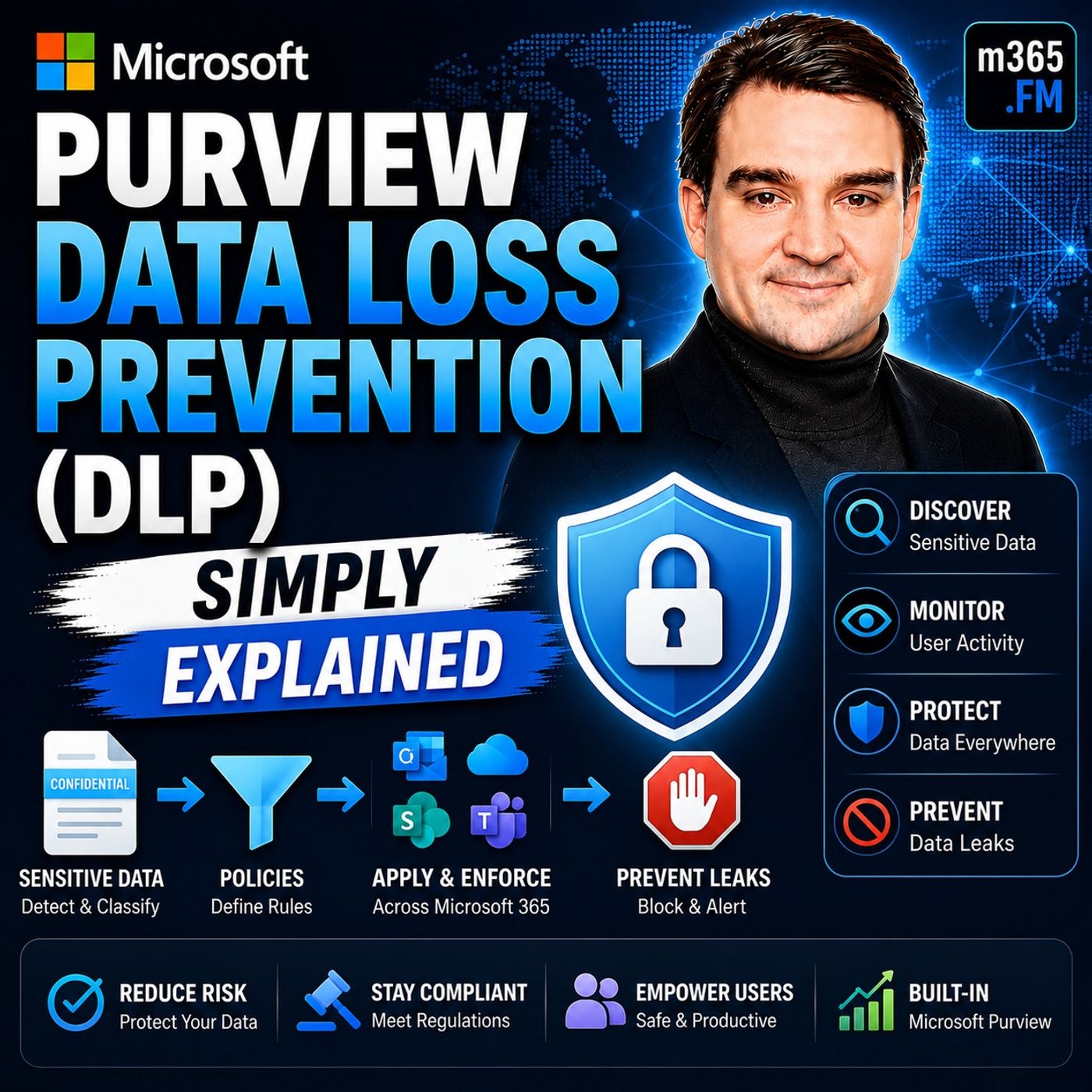
Microsoft Purview Data Loss Prevention (DLP) - Simply Explained
About this episode
Welcome to another episode of Knowledge Nuggets with Mirko Peters. Today we're exploring Microsoft Purview Data Loss Prevention (DLP), one of the most important security capabilities in Microsoft 365 for preventing accidental data leaks. When most people think about cybersecurity, they imagine hackers breaking through firewalls or ransomware attacks encrypting company data. But the reality is often much simpler. Many of the largest data breaches happen because someone accidentally sends confidential information to the wrong recipient, shares a sensitive document externally, or copies company data to an unauthorized location. Microsoft Purview Data Loss Prevention isn't designed to stop hackers—it is designed to stop well-intentioned employees from making costly mistakes. By automatically identifying sensitive information, monitoring how it's being used, and enforcing security policies across Microsoft 365, DLP quietly protects your organization's most valuable information without preventing employees from getting their work done. In this episode, we'll explore how Microsoft Purview DLP works across email, SharePoint, OneDrive, Teams, endpoints, and Microsoft 365 Copilot, and why it has become a cornerstone of modern Microsoft security.
WHY DATA LOSS PREVENTION MATTERS
Many organizations focus heavily on defending against external cyberattacks while overlooking the largest source of data loss: accidental human error. Employees regularly send emails to the wrong recipients, upload confidential documents to inappropriate locations, or unintentionally expose sensitive information through everyday collaboration. Traditional approaches attempted to solve this by locking everything down—blocking USB drives, restricting file sharing, and preventing external communication altogether. Unfortunately, overly restrictive environments reduce productivity and often encourage employees to find unofficial workarounds. Microsoft Purview DLP takes a different approach. Instead of blocking everything, it evaluates three critical questions:
UNDERSTANDING DLP THROUGH A SIMPLE ANALOGY
Imagine your organization as a large office building. Microsoft Entra ID acts as the reception desk, verifying everyone's identity before allowing entry. But verifying identity alone doesn't prevent sensitive documents from leaving the building. Microsoft Purview DLP acts like a team of intelligent security guards positioned throughout the organization. Some guards monitor outgoing mail. Others watch file storage rooms. Others supervise meeting rooms and conversations. Additional guards protect employee laptops, while newer guards even monitor interactions with AI assistants such as Microsoft 365 Copilot. Rather than simply checking who enters the building, these security guards continuously monitor what information people are carrying and where that information is going. If confidential information is about to leave inappropriately, the guards intervene before any damage occurs. This mental model makes it much easier to understand how Microsoft Purview DLP protects data throughout Microsoft 365.
EXCHANGE ONLINE DLP
Email remains one of the most common ways sensitive information leaves an organization. Microsoft Purview DLP integrates directly with Exchange Online to inspect outgoing emails before they are delivered. Every email body and attachment can be analyzed using advanced detection techniques, including:
SHAREPOINT AND ONEDRIVE DLP
Sensitive data doesn't only travel through email. Large amounts of confidential information are stored inside SharePoint and OneDrive. Microsoft Purview DLP continuously scans files both at rest and in motion. Files already stored inside document libraries can be inspected for sensitive content, while new sharing activities are evaluated as they occur. When policy violations are detected, DLP can:
MICROSOFT TEAMS DLP
Modern collaboration increasingly happens through Microsoft Teams. Private chats, group chats, and channel conversations frequently contain sensitive business information that never appears in traditional email. Microsoft Purview DLP extends protection directly into Teams. Messages are inspected before they are delivered. If users accidentally include confidential information such as national identification numbers, payment card information, or regulated personal data, DLP can immediately intervene. Possible actions include:
ENDPOINT DLP
Cloud services represent only part of the data protection challenge. Employees also interact with sensitive information directly on their devices. Endpoint DLP extends Microsoft Purview protection to Windows and macOS devices. Activities that can be monitored include:
Become a supporter of this podcast: https://www.spreaker.com/podcast/m365-fm-a-microsoft-mvp-podcast-by-mirko-peters--6704921/support.
WHY DATA LOSS PREVENTION MATTERS
Many organizations focus heavily on defending against external cyberattacks while overlooking the largest source of data loss: accidental human error. Employees regularly send emails to the wrong recipients, upload confidential documents to inappropriate locations, or unintentionally expose sensitive information through everyday collaboration. Traditional approaches attempted to solve this by locking everything down—blocking USB drives, restricting file sharing, and preventing external communication altogether. Unfortunately, overly restrictive environments reduce productivity and often encourage employees to find unofficial workarounds. Microsoft Purview DLP takes a different approach. Instead of blocking everything, it evaluates three critical questions:
- What type of data is being handled?
- Who is handling it?
- Where is the data going?
UNDERSTANDING DLP THROUGH A SIMPLE ANALOGY
Imagine your organization as a large office building. Microsoft Entra ID acts as the reception desk, verifying everyone's identity before allowing entry. But verifying identity alone doesn't prevent sensitive documents from leaving the building. Microsoft Purview DLP acts like a team of intelligent security guards positioned throughout the organization. Some guards monitor outgoing mail. Others watch file storage rooms. Others supervise meeting rooms and conversations. Additional guards protect employee laptops, while newer guards even monitor interactions with AI assistants such as Microsoft 365 Copilot. Rather than simply checking who enters the building, these security guards continuously monitor what information people are carrying and where that information is going. If confidential information is about to leave inappropriately, the guards intervene before any damage occurs. This mental model makes it much easier to understand how Microsoft Purview DLP protects data throughout Microsoft 365.
EXCHANGE ONLINE DLP
Email remains one of the most common ways sensitive information leaves an organization. Microsoft Purview DLP integrates directly with Exchange Online to inspect outgoing emails before they are delivered. Every email body and attachment can be analyzed using advanced detection techniques, including:
- Credit card detection
- National identification numbers
- Healthcare information
- Financial records
- Machine learning classifiers
- Pattern recognition
- Context-aware content analysis
- Allowed
- Warned
- Blocked
- Allowed only after providing business justification
SHAREPOINT AND ONEDRIVE DLP
Sensitive data doesn't only travel through email. Large amounts of confidential information are stored inside SharePoint and OneDrive. Microsoft Purview DLP continuously scans files both at rest and in motion. Files already stored inside document libraries can be inspected for sensitive content, while new sharing activities are evaluated as they occur. When policy violations are detected, DLP can:
- Block external sharing
- Remove inappropriate permissions
- Restrict file access
- Move files into administrator-only quarantine
- Replace removed files with informational placeholders explaining why access was restricted
MICROSOFT TEAMS DLP
Modern collaboration increasingly happens through Microsoft Teams. Private chats, group chats, and channel conversations frequently contain sensitive business information that never appears in traditional email. Microsoft Purview DLP extends protection directly into Teams. Messages are inspected before they are delivered. If users accidentally include confidential information such as national identification numbers, payment card information, or regulated personal data, DLP can immediately intervene. Possible actions include:
- Blocking the message
- Displaying policy guidance
- Logging the attempted action
- Alerting compliance administrators
ENDPOINT DLP
Cloud services represent only part of the data protection challenge. Employees also interact with sensitive information directly on their devices. Endpoint DLP extends Microsoft Purview protection to Windows and macOS devices. Activities that can be monitored include:
- USB transfers
- Printing
- Clipboard operations
- File uploads
- Personal cloud storage
- Remote desktop sessions
- Bluetooth transfers
- Browser copy and paste
Become a supporter of this podcast: https://www.spreaker.com/podcast/m365-fm-a-microsoft-mvp-podcast-by-mirko-peters--6704921/support.
Get every episode summarized
Each time M365.FM - Modern work, security, and productivity with Microsoft 365 publishes, we email you a written briefing from the transcript — the topics, who appeared, and any specific claims, with the ad reads skipped.
Email me new episodesFree for 3 shows. No card needed.
Hosts & guests
No transcript yet
This episode has not been transcribed. Request it and it moves to the front of the queue.
More episodes
More from M365.FM - Modern work, security, and productivity with Microsoft 365

How Finite Capacity Scheduling Actually Works in Manufacturing
M365.FM - Modern work, security, and productivity with Microsoft 365
Sep 14, 20261:54:54completed

Why Your Critical Path Changes When Production Changes
M365.FM - Modern work, security, and productivity with Microsoft 365
Sep 14, 20261:51:17pending

How AI Changed Software Development Forever — Building the Agentic Future with A...
M365.FM - Modern work, security, and productivity with Microsoft 365
Sep 3, 20261:11:37completed

Architecting Power Platform for Complex Enterprise Solutions with Ian Tweedie [M...
M365.FM - Modern work, security, and productivity with Microsoft 365
Sep 2, 20261:01:31completed