About this episode
This story was originally published on HackerNoon at: https://hackernoon.com/lets-put-tailscale-on-a-jailbroken-kindle.
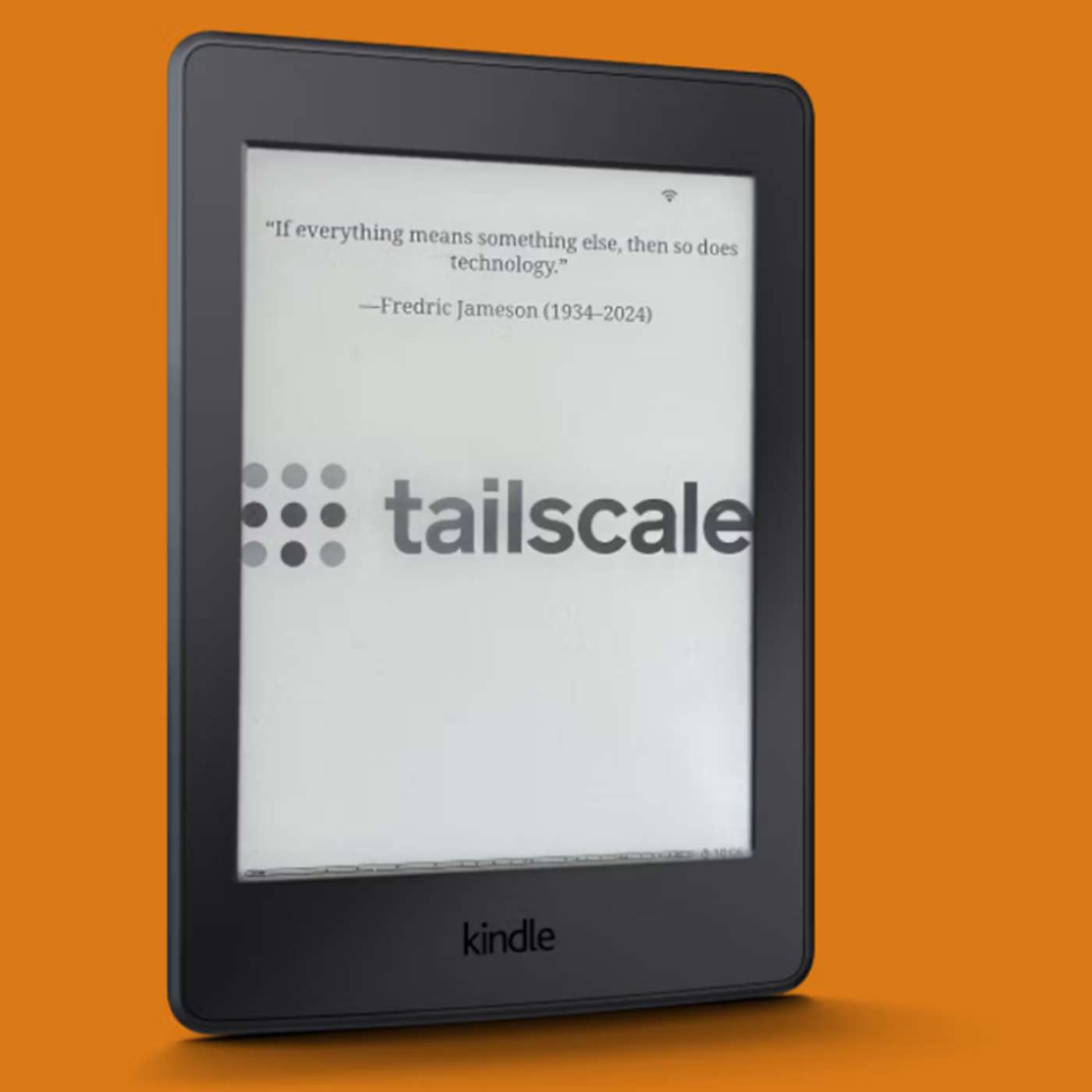
Learn how to install Tailscale on a jailbroken Kindle and use SSH, Taildrop, MagicDNS, and remote access to extend what your Kindle can do.
Check more stories related to undefined at: https://hackernoon.com/c/undefined.
You can also check exclusive content about #tailscale-jailbroken-kindle, #tailscale-kindle-setup, #jailbroken-kindle-ssh, #kindle-linux-networking, #kindle-jailbreak-tailscale, #kindle-taildrop-file-transfer, #kindle-remote-access, #good-company, and more.
This story was written by: @tailscale-ad. Learn more about this writer by checking @tailscale-ad's about page,
and for more stories, please visit hackernoon.com.
A jailbroken Kindle can do far more than Amazon's standard software allows, and Tailscale makes those capabilities easier to use remotely. This guide explains how to run Tailscale on a jailbroken Kindle, connect it to your tailnet, and use SSH, MagicDNS, and Taildrop for file management. Combined with apps such as KOReader, the setup turns an e-reader into a small networked Linux device for accessing files, self-hosted services, and unofficial applications.
Get every episode summarized
Each time The Good Tech Companies publishes, we email you a written briefing from the transcript — the topics, who appeared, and any specific claims, with the ad reads skipped.
Email me new episodesFree for 3 shows. No card needed.
Hosts & guests
Transcript ready
117 searchable segments. Every word is indexed and playable.
Full transcript
The Good Tech Companies — Let's put Tailscale on a jailbroken Kindle. Machine-transcribed; use the interactive transcript above to jump the player to any line.
This audio is presented by Hacker Noon, where anyone can learn anything about any technology. Let's put tailscale on a jailbroken Kindle, by Emilie Pangolin. Note, newer versions of the primary, Matonshu. Tailscale app for jailbroken Kindles allow for connecting to other tailscale devices through a proxy, as detailed in a later post. This post has been edited to clarify that distinction. It's a right of passage to run tailscale on weird devices. So writes Matonshu Sukwani on his blog, detailing the steps for getting tailscale onto a jailbroken Kindle. Getting there, and seeing a Kindle entry with a satisfying green dot in your tailscale admin console, takes some doing. But take the trip, and you'll end up with an e-reader that can run some neat unofficial apps, and is more open to third party and DRM-free e-books. And with a tailscale connection, it's easier to connect to files and a command line on your underpowered little Linux slab. For me, it's the freedom of being able to do anything with the device I own. Sukwani writes by email. What I can do with the freedom is a different story.
What is a jailbroken Kindle? Exactly. Jailbreaking refers to removing the software restrictions on a device put there by its maker. Getting around these restrictions, typically by gaining, route, or administrative access, allows for accessing operating system internals, running unapproved software, and generally doing more things than a manufacturer intended. With the Kindle, you still get the standard Kindle reading experience, including Amazon Store and the ability to send the Kindle books from apps like Libby. You just add many more options, too. The term gained purchase after the first iPhones debut in mid-2007. Since then, nearly every device with a restricted environment has gained its own jailbreaking scene, including Kindles, debuting five months after the iPhone. Kindle jailbreaks come along every so often. Right now, an unlocking scheme based on Amazon's own lockscreen ads, Addbreak, is available for all but the most up-to-date Kindles, earlier than firmware version 5. 18. 5. 0. 2. I know this because I wrote this paragraph in the next on my 11th generation Kindle,
using the open-source texted-epd editor, a Bluetooth keyboard, and tailscale to move this draft file around. One paragraph doesn't seem that impressive until you consider that on a standard Kindle, you cannot do any of that. Transferring files by SSH or Taildrop, I.S. certainly not allowed. And that's in addition to other upgrades you can get by jailbreaking a Kindle, including the feature Rich, Customizably Reader KO Reader, and lots of little apps available in repositories like Kindle Forge. If your Kindle has been connected to Wi-Fi all this time, as of early December 2025, it may have automatically updated itself and no longer be ready for jailbreaking. If you think it still has a chance, immediately put it into airplane mode and follow along. A obligatory notice here. You're running a risk of bricking your device, having it become unresponsive and unrecoverable, and voiding your warranty when you doth this. That having been noted, let's dig further. What tailscale adds to a jailbroken Kindle? Tailscale isn't necessary on a jailbroken Kindle, but it really helps.
Here are some of the ways tailscale makes messing about with an opened-up Kindle morathon. A persistent IP address. Just like any other tailscale device. Instead of having to remember yet another 192. 168. Random. Number. Easier SSH access with Magic DNS. And you're in. Taildrop for sending files to a whatever Kindle directory you want. Setting up a self-hosted caliber web library with tailscale, then securely grabbing books from it anywhere with KO Reader. Edit. This is possible with a proxy mode added later. Key to the Kindle Plus tailscale experience is an easier way SSH and taildrop to get EPUB, MOBI, and other ebook and document formats into the documents folder, ready for your KO Reader sessions. Tailscale also helps with setting up some of the key jailbreak apps, saving you from plugging and unplugging the Kindle into a computer via USB cord, and then finding a second USB cord, because the first one never works, for some reason. Getting your Kindle ready, what follows is by
no means a comprehensive guide to jailbreaking and accessing your Kindle. You will want to read the documentation for each tool and app closely. Pay particular attention to which Kindle you have, which version number of the Kindle firmware it's running, and how much space you have left on that device. The first step is to check your Kindle's version number, Settings, Device Info, and see if there is a jailbreak method available for it. The Kindle modding wikis the jailbreaking community is go to resource. As of this writing, there is a Winter Break process available for Kindle's running firmware below 15. 18. 1. And Add Break is available for firmwares from 15. 18. 1 through 5. 18. 5. 0. 1. If your Kindle's version number fits one of those ranges, put it in airplane mode and move on. If not, you're going to have to wait until the next jailbreak method comes along. HTTPS colon slash slash U2. B. L4 Zelik 82 RTA. C equals Joe3 CQUFZNHB528
megabytes and embeddable equals true the actual jailbreaking part. Before you dive in, have a computer, PC, Mac, or Linux, and USB cable that works with your Kindle handy. Have your Kindle unreliable Wi-Fi, like your home network, but don't take your Kindle off airplane mode if you've been keeping it that way. Follow these steps to jailbreak your Kindle. The techniques are different, but you may need to do some other tasks, like enable advertisements, or fill your Kindle with junk files to prevent automatic updates midway through the process. Install a hot fix and disable over the air updates so that you can keep your Kindle on Wi-Fi and not have its jailbreak undone. Install the Kindle Unified Application Launcher, Qual, and MRPI, Mobile Read Package Installer. Qual is vital to installing most jailbroken apps, including Tailscale. You will almost certainly want to install KO Reader, too. Those bits above are standard jailbreaking procedures. If you want tailscale on your Kindle, you'll go a bit further. Adding tailscale to a jailbroken
Kindle, make sure you have Qual and MRPI installed and working. Next up, install this simple version of USB networking for Kindle. Before you go further, you'll want to choose between Matanshews, Standard Tailscale Repository, or the fork of it that enables taildrop. I recommend the taildrop enabled fork. If it goes wrong, or stops being updated, it's fairly easy, relative to doing this kind of project, to wipe it and go back to Matanshews, Vanilla, version. Either way, you'll want to get USB access to your Kindle for this next part. If you toggled on USB networking to try it out, toggle it off. You can't get USB access while it's running, as its name somewhat implies. 1. Download the Tailscale KUAL Repository of your choice using GitClone or Download a Zip from the Code button on GitHub. 2. Head to Tailscale's page of static Linux binaries and grab the latest ARM, not ARM 64, release. 3. Copy the tailscale and tailscaled binaries from the tailscale download and place them into
the extensions, tailscale, bin directory of the KUAL Kindle Repository you'll be copying over. 4. Head to your tailscale admin console and generate an authentication key. Name it something like Kindle. You want to enable the reusable and pre-approved options. Copy the key that is generated. 5. Open the file extensions, tailscale, config, auth underscore key. TXT for editing while it is on your non-kindle computer. Paste in the key text you generated. 6. If you're using the variant with taildrop, you can set a custom directory in which to deliver taildrop files by editing extensions, tailscale, config, taildrop underscore der. TXT. Setting, M&T, is. Documents make sense if you're mostly sending yourself things to read in KO reader. 7. Head into the extensions folder on your computer and copy the tailscale folder you've set up into the extensions folder on your Kindle. With all that done, open up KUAL on your Kindle. Go into USB net light and click USB network status to ensure it is enabled, tap the toggle
button if not. Go back with the button at the bottom, tap tailscale, and first tap start tails kailed. Note the, D, at the end. Wait about 10 seconds to give the tails kailed demon time to start, then tap start tailscale. If everything is settled, you should be able to see your Kindle as connected on your tailscale admin console. Once you've finished smiling to yourself, click the three dots on the right hand side of the Kindle row and select, disable key expiry. In most situations, you're better off not having to patch a new key value into a Kindle text file every few months. Enjoy your, slightly less wonky Kindle. With tailscale installed, it's easier to get into your Kindle via SSH for file management and installing and configuring other apps. Getting a Bluetooth keyboard to work via the Kindle's quirky command line Bluetooth interface would not have been fun using a touchscreen keyboard. Because the Kindle is on your tailnet, other devices can access it. Kindle setup this way can use tools like the shortcut browser to
become dashboards for home assistant or access a self-hosted caliber web e-book server, with sun tweaking. Edit. These generally require a proxy mode, made possible with a later update. Having taildrop handy and having it drop files directly into the documents folder is probably my favorite upgrade. I was on my phone, at a train station, when I came across Anneli Nuets' automatic noodle at bookshop. Org, I bought it on my phone and downloaded the DRM free e-pub file. When I got home, I opened it on unlocked my Kindle, sent the e-pub to the Kindle via taildrop. Then tap receive taildrop files in the tailscale app inside Qual. e-pubs, PDFs, comic book archives, DJ vufiles, they're all ready to be dropped in. If you've got a tailscale to run on weird or just uncommon, devices, we'd marathon love to hear about it. Let us know on Reddit, Discord, Blue Sky, Macedon, or LinkedIn. Thank you for listening to this HackerNune story, read by artificial intelligence. Visit HackerNune.com to read,
write, learn and publish.
More episodes
More from The Good Tech Companies

Protection Funds, Insurance and FDIC/SIPC: What Actually Covers What
The Good Tech Companies

Credible Captain Launches Independent Consumer Review Platform Focused on Transp...
The Good Tech Companies

4 Ways to Win a Hackathon (None of Them Is Writing Code)
The Good Tech Companies

Tokenized Stocks vs Real Stocks vs Stock Futures: Wall Street Without Walls and...
The Good Tech Companies