newsAug 21, 202618:23pending
Dynamics 365 Warehouse Management - Simply Explained
About this episode
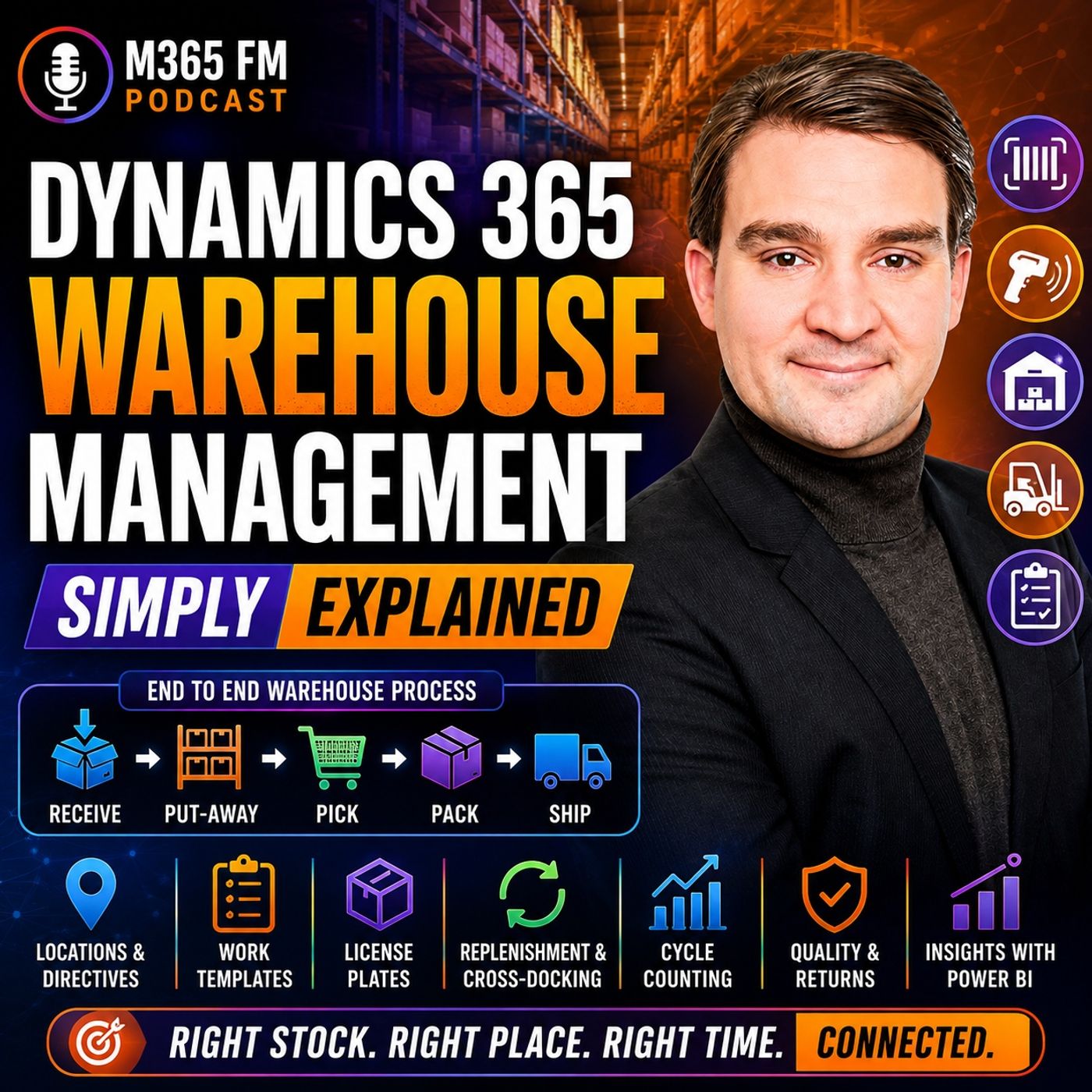
Dynamics 365 Warehouse Management turns inventory records into guided physical work on the warehouse floor. Knowing that 200 units exist is only the beginning. Warehouse teams need to know exactly where those units are stored, whether they are available, which customer orders they belong to, and what workers should do with them next. In this episode of M365 FM, Mirko Peters explains how Dynamics 365 Warehouse Management connects receiving, put-away, storage, replenishment, picking, packing, shipping, cycle counting, returns, quality management, barcode scanning, and warehouse automation with the wider Dynamics 365 Supply Chain Management platform.
WHAT IS DYNAMICS 365 WAREHOUSE MANAGEMENT?
Dynamics 365 Warehouse Management focuses on the physical work taking place inside a warehouse. It guides employees through receiving deliveries, moving products into storage, replenishing picking locations, picking customer orders, packing shipments, and preparing goods for dispatch. Each completed warehouse action can update the same connected business system used by purchasing, sales, production, inventory, quality, transportation, and finance. Instead of relying on paper lists or recording movements later, warehouse employees can confirm activities while they happen using mobile devices and barcode scans.
INVENTORY MANAGEMENT VS WAREHOUSE MANAGEMENT
Inventory Management and Warehouse Management solve related but different problems. Inventory Management answers questions such as: How much inventory does the company have? What is it worth? Is it available? Warehouse Management focuses on questions such as: Where exactly is that inventory, and what should a warehouse worker do with it next? Knowing that 200 boxes exist in Warehouse A isn't enough for efficient warehouse operations. Employees need to know that 80 are in one rack, 60 are in bulk storage, 20 are near packing, and another quantity is already reserved. Inventory Management provides the stock record. Warehouse Management converts that information into physical work.
SITES, WAREHOUSES AND LOCATIONS
Dynamics 365 needs a digital representation of the physical warehouse environment. A site can represent a broader business location such as a factory campus or distribution center. A site can contain one or more warehouses. Inside those warehouses are individual locations representing receiving docks, racks, shelves, bins, packing stations, staging areas, and quarantine areas. This hierarchy gives inventory a precise digital location rather than simply recording that the product exists somewhere inside a building.
BATCH AND SERIAL NUMBER TRACKING
Warehouse Management can maintain additional information about individual products. Batch numbers identify groups of products from the same production run or delivery. This becomes particularly important for food, pharmaceuticals, chemicals, and other products requiring traceability. Serial numbers identify individual units. Machines, laptops, and high-value components can therefore maintain their individual identities as they move through the warehouse and eventually reach customers. This creates a traceable history that can become valuable for returns, quality problems, servicing, and recalls.
LICENSE PLATES EXPLAINED
A warehouse license plate isn't a vehicle registration. In Dynamics 365, a license plate provides a unique identifier for a pallet, carton, tote, or another container. Think of it like a luggage tag. Scanning the identifier tells Dynamics which container the worker is handling and what that container contains. Instead of scanning every individual box on a pallet repeatedly, employees can work with the license plate representing the complete pallet when the underlying inventory record is accurate.
RECEIVING INBOUND GOODS
Warehouse activity frequently begins with a purchase order. The purchase order tells the organization which products it expects from a supplier, the expected quantities, and usually the expected arrival time. When the truck reaches the warehouse, employees can scan the products or pallets and compare the physical delivery with the expected purchase order. If 100 cases were expected but only 98 arrived, the discrepancy can become visible immediately instead of waiting for somebody to manually enter paperwork later.
QUARANTINE AND QUALITY CONTROL
Not everything entering a warehouse should immediately become available. Products might require inspection, testing, or approval before they can be used or shipped. Dynamics 365 can direct those goods toward quarantine locations. The inventory physically exists inside the warehouse, but employees cannot treat it like ordinary available stock. Once the appropriate quality process has been completed, the products can either be approved for normal use or rejected and handled appropriately.
PUT-AWAY
After receiving, products need somewhere to go. This process is called put-away. Instead of asking workers to decide where a pallet should fit, Dynamics 365 can direct them toward an appropriate storage location. The decision can consider the product, warehouse zone, physical size, storage requirements, available space, and intended use of the location. The worker receives a straightforward instruction while the underlying warehouse configuration handles the decision logic.
LOCATION DIRECTIVES
Location directives are the rules Dynamics 365 uses to determine where inventory should go or where inventory should be picked from. Heavy inventory might need a ground-level rack. Fast-moving products might belong close to packing areas. Temperature-sensitive products may only be stored in approved locations. Location directives translate these warehouse policies into executable instructions. Instead of expecting every employee to memorize every storage rule, Dynamics can determine an appropriate location and present that destination through the worker's device.
WORK TEMPLATES
Work templates determine the steps employees need to perform. For inbound inventory, a work template might contain two straightforward steps: pick the inventory from the receiving location and put it into its designated storage location. For outbound operations, templates can define picking, movement to packing, and staging. These repeatable workflows help create consistent warehouse processes across employees and shifts.
MOBILE DEVICES AND BARCODE SCANNING
Warehouse employees can receive instructions directly on mobile devices. The device can ask the worker to scan a location, scan a product, confirm a quantity, and proceed to the next step. These scans create immediate validation. If somebody scans the wrong product while picking a customer order, the system can identify the problem before the incorrect item reaches the customer's package. The scan also updates the warehouse record while the physical activity occurs rather than requiring information to be entered later.
REPLENISHMENT
Many warehouses separate bulk inventory from smaller locations used for daily order picking. When a picking location begins running low, employees need to move additional inventory from bulk storage before somebody encounters an empty shelf while fulfilling an order. Dynamics 365 can create replenishment work directing employees to move inventory into the appropriate picking location. This turns replenishment into planned warehouse activity rather than an emergency search for missing products.
OUTBOUND WAREHOUSE MANAGEMENT
Outbound warehouse activity begins when customer demand needs to become a physical shipment. A sales order identifies what the customer ordered and how much they require. Inventory can be reserved for that order so the same limited stock isn't accidentally promised to somebody else. Warehouse Management then converts the requirement into physical activities such as picking the products, moving them to packing, preparing containers, staging the shipment, and eventually moving the goods toward the loading dock.
WAVES EXPLAINED
Large warehouses don't necessarily process every customer order independently. Dynamics 365 can use waves to group outbound work. Orders might be grouped because they leave on the same truck, share a delivery date, belong to a similar warehouse zone, or follow another operational rule. Grouping work can reduce unnecessary movement and help warehouses process large quantities of orders more efficiently.
PICKING CUSTOMER ORDERS
Once warehouse work is released, employees receive picking instructions. The mobile device can direct someone toward the appropriate location, ask them to scan the location, verify the product, and confirm the quantity. This creates several validation points before the product leaves its storage location. Instead of relying on a paper list and discovering errors at the end of the process, Dynamics can identify some mistakes while the worker is still standing at the shelf.
CLUSTER PICKING
Cluster picking allows one employee to pick products for several customer orders during a single journey through the warehouse. The worker might use a cart containing multiple totes, with each tote associated with a different order. When an item is picked, the mobile device tells the employee which tote should receive it. This can reduce unnecessary walking while keeping products belonging to different customer orders separated.
Become a supporter of this podcast: https://www.spreaker.com/podcast/m365-fm-a-microsoft-mvp-podcast-by-mirko-peters--6704921/support.
WHAT IS DYNAMICS 365 WAREHOUSE MANAGEMENT?
Dynamics 365 Warehouse Management focuses on the physical work taking place inside a warehouse. It guides employees through receiving deliveries, moving products into storage, replenishing picking locations, picking customer orders, packing shipments, and preparing goods for dispatch. Each completed warehouse action can update the same connected business system used by purchasing, sales, production, inventory, quality, transportation, and finance. Instead of relying on paper lists or recording movements later, warehouse employees can confirm activities while they happen using mobile devices and barcode scans.
INVENTORY MANAGEMENT VS WAREHOUSE MANAGEMENT
Inventory Management and Warehouse Management solve related but different problems. Inventory Management answers questions such as: How much inventory does the company have? What is it worth? Is it available? Warehouse Management focuses on questions such as: Where exactly is that inventory, and what should a warehouse worker do with it next? Knowing that 200 boxes exist in Warehouse A isn't enough for efficient warehouse operations. Employees need to know that 80 are in one rack, 60 are in bulk storage, 20 are near packing, and another quantity is already reserved. Inventory Management provides the stock record. Warehouse Management converts that information into physical work.
SITES, WAREHOUSES AND LOCATIONS
Dynamics 365 needs a digital representation of the physical warehouse environment. A site can represent a broader business location such as a factory campus or distribution center. A site can contain one or more warehouses. Inside those warehouses are individual locations representing receiving docks, racks, shelves, bins, packing stations, staging areas, and quarantine areas. This hierarchy gives inventory a precise digital location rather than simply recording that the product exists somewhere inside a building.
BATCH AND SERIAL NUMBER TRACKING
Warehouse Management can maintain additional information about individual products. Batch numbers identify groups of products from the same production run or delivery. This becomes particularly important for food, pharmaceuticals, chemicals, and other products requiring traceability. Serial numbers identify individual units. Machines, laptops, and high-value components can therefore maintain their individual identities as they move through the warehouse and eventually reach customers. This creates a traceable history that can become valuable for returns, quality problems, servicing, and recalls.
LICENSE PLATES EXPLAINED
A warehouse license plate isn't a vehicle registration. In Dynamics 365, a license plate provides a unique identifier for a pallet, carton, tote, or another container. Think of it like a luggage tag. Scanning the identifier tells Dynamics which container the worker is handling and what that container contains. Instead of scanning every individual box on a pallet repeatedly, employees can work with the license plate representing the complete pallet when the underlying inventory record is accurate.
RECEIVING INBOUND GOODS
Warehouse activity frequently begins with a purchase order. The purchase order tells the organization which products it expects from a supplier, the expected quantities, and usually the expected arrival time. When the truck reaches the warehouse, employees can scan the products or pallets and compare the physical delivery with the expected purchase order. If 100 cases were expected but only 98 arrived, the discrepancy can become visible immediately instead of waiting for somebody to manually enter paperwork later.
QUARANTINE AND QUALITY CONTROL
Not everything entering a warehouse should immediately become available. Products might require inspection, testing, or approval before they can be used or shipped. Dynamics 365 can direct those goods toward quarantine locations. The inventory physically exists inside the warehouse, but employees cannot treat it like ordinary available stock. Once the appropriate quality process has been completed, the products can either be approved for normal use or rejected and handled appropriately.
PUT-AWAY
After receiving, products need somewhere to go. This process is called put-away. Instead of asking workers to decide where a pallet should fit, Dynamics 365 can direct them toward an appropriate storage location. The decision can consider the product, warehouse zone, physical size, storage requirements, available space, and intended use of the location. The worker receives a straightforward instruction while the underlying warehouse configuration handles the decision logic.
LOCATION DIRECTIVES
Location directives are the rules Dynamics 365 uses to determine where inventory should go or where inventory should be picked from. Heavy inventory might need a ground-level rack. Fast-moving products might belong close to packing areas. Temperature-sensitive products may only be stored in approved locations. Location directives translate these warehouse policies into executable instructions. Instead of expecting every employee to memorize every storage rule, Dynamics can determine an appropriate location and present that destination through the worker's device.
WORK TEMPLATES
Work templates determine the steps employees need to perform. For inbound inventory, a work template might contain two straightforward steps: pick the inventory from the receiving location and put it into its designated storage location. For outbound operations, templates can define picking, movement to packing, and staging. These repeatable workflows help create consistent warehouse processes across employees and shifts.
MOBILE DEVICES AND BARCODE SCANNING
Warehouse employees can receive instructions directly on mobile devices. The device can ask the worker to scan a location, scan a product, confirm a quantity, and proceed to the next step. These scans create immediate validation. If somebody scans the wrong product while picking a customer order, the system can identify the problem before the incorrect item reaches the customer's package. The scan also updates the warehouse record while the physical activity occurs rather than requiring information to be entered later.
REPLENISHMENT
Many warehouses separate bulk inventory from smaller locations used for daily order picking. When a picking location begins running low, employees need to move additional inventory from bulk storage before somebody encounters an empty shelf while fulfilling an order. Dynamics 365 can create replenishment work directing employees to move inventory into the appropriate picking location. This turns replenishment into planned warehouse activity rather than an emergency search for missing products.
OUTBOUND WAREHOUSE MANAGEMENT
Outbound warehouse activity begins when customer demand needs to become a physical shipment. A sales order identifies what the customer ordered and how much they require. Inventory can be reserved for that order so the same limited stock isn't accidentally promised to somebody else. Warehouse Management then converts the requirement into physical activities such as picking the products, moving them to packing, preparing containers, staging the shipment, and eventually moving the goods toward the loading dock.
WAVES EXPLAINED
Large warehouses don't necessarily process every customer order independently. Dynamics 365 can use waves to group outbound work. Orders might be grouped because they leave on the same truck, share a delivery date, belong to a similar warehouse zone, or follow another operational rule. Grouping work can reduce unnecessary movement and help warehouses process large quantities of orders more efficiently.
PICKING CUSTOMER ORDERS
Once warehouse work is released, employees receive picking instructions. The mobile device can direct someone toward the appropriate location, ask them to scan the location, verify the product, and confirm the quantity. This creates several validation points before the product leaves its storage location. Instead of relying on a paper list and discovering errors at the end of the process, Dynamics can identify some mistakes while the worker is still standing at the shelf.
CLUSTER PICKING
Cluster picking allows one employee to pick products for several customer orders during a single journey through the warehouse. The worker might use a cart containing multiple totes, with each tote associated with a different order. When an item is picked, the mobile device tells the employee which tote should receive it. This can reduce unnecessary walking while keeping products belonging to different customer orders separated.
Become a supporter of this podcast: https://www.spreaker.com/podcast/m365-fm-a-microsoft-mvp-podcast-by-mirko-peters--6704921/support.
Get every episode summarized
Each time M365.FM - Modern work, security, and productivity with Microsoft 365 publishes, we email you a written briefing from the transcript — the topics, who appeared, and any specific claims, with the ad reads skipped.
Email me new episodesFree for 3 shows. No card needed.
Hosts & guests
No transcript yet
This episode has not been transcribed. Request it and it moves to the front of the queue.
More episodes
More from M365.FM - Modern work, security, and productivity with Microsoft 365

How AI Changed Software Development Forever — Building the Agentic Future with A...
M365.FM - Modern work, security, and productivity with Microsoft 365
Sep 3, 20261:11:37completed

Architecting Power Platform for Complex Enterprise Solutions with Ian Tweedie [M...
M365.FM - Modern work, security, and productivity with Microsoft 365
Sep 2, 20261:01:31completed

Copilot Inherits Your Mess: Modernizing Microsoft 365 for AI with Richard Harbri...
M365.FM - Modern work, security, and productivity with Microsoft 365
Sep 1, 20261:05:32pending

Microsoft 365 Copilot: What Actually Makes People More Productive with Adrian Es...
M365.FM - Modern work, security, and productivity with Microsoft 365
Aug 30, 20261:04:45pending