educationNov 13, 202510:34pending
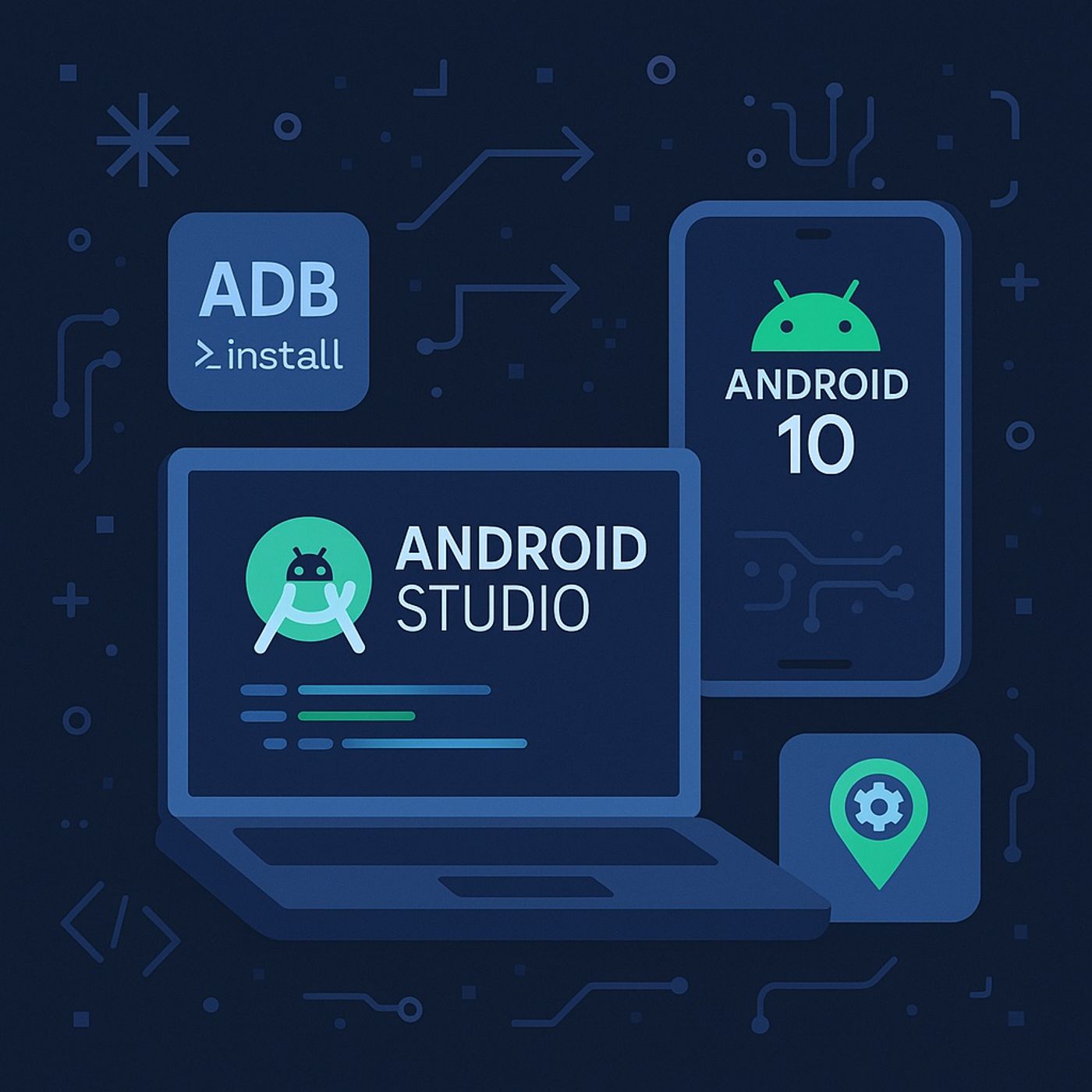
Course 5 - Full Mobile Hacking | Episode 1: Android Studio: Running AVDs and Installing Apps on Windows
About this episode
In this lesson, you’ll learn about:
You can listen and download our episodes for free on more than 10 different platforms:
https://linktr.ee/cybercode_academy
- Setting up Android Studio on Windows:
- Launching Android Studio (built on IntelliJ) for developing, testing, and examining APKs.
- Verifying proper installation of the Android SDK to ensure access to essential developer tools.
- Creating and managing Android Virtual Devices (AVDs):
- Using the AVD Manager to configure emulators by selecting:
- Platform type (e.g., Phone)
- Specific device model (e.g., Pixel 3)
- System image (e.g., Android 10 / Q)
- Launching the configured AVD and accessing advanced options via the Extended Controls panel.
- Using the AVD Manager to configure emulators by selecting:
- Customizing emulator settings:
- Adjusting location (e.g., setting GPS to Singapore).
- Modifying cellular network type (GSM, LTE) and signal strength.
- Changing battery level, configuring camera settings, and managing phone functions (SMS, calls).
- Controlling virtual sensors such as the accelerometer and gyroscope.
- Saving snapshots, recording emulator screens, and enabling clipboard sharing between Windows and the emulator.
- Installing and testing APKs using ADB:
- Downloading an APK (e.g., WhatsApp Messenger) and launching the desired emulator.
- Using Android Debug Bridge (ADB) for remote device control and configuration:
- Checking connected devices with adb devices.
- Installing the APK via adb -s [emulator-name] install [apk-name].
- Confirming success via the “success” response message.
- Locating and launching the installed app from Apps & Notifications within the emulator.
- Key outcome:
Gain hands-on experience in emulator setup, configuration, and APK deployment using Android Studio and ADB — essential skills for mobile application testing, debugging, and secure app analysis in a controlled virtual environment.
You can listen and download our episodes for free on more than 10 different platforms:
https://linktr.ee/cybercode_academy
Get every episode summarized
Each time CyberCode Academy publishes, we email you a written briefing from the transcript — the topics, who appeared, and any specific claims, with the ad reads skipped.
Email me new episodesFree for 3 shows. No card needed.
No transcript yet
This episode has not been transcribed. Request it and it moves to the front of the queue.
More episodes
More from CyberCode Academy

Course 42 - Mobile Malware Analysis Fundamentals | Episode 13: Designing and Arc...
CyberCode Academy
Sep 9, 202617:34pending

Course 42 - Mobile Malware Analysis Fundamentals | Episode 12: Dynamic Analysis...
CyberCode Academy
Sep 8, 202628:08completed

Course 42 - Mobile Malware Analysis Fundamentals | Episode 11: Dynamic Analysis...
CyberCode Academy
Sep 7, 202624:15completed

Course 42 - Mobile Malware Analysis Fundamentals | Episode 10: The Essentials of...
CyberCode Academy
Sep 6, 202623:12completed