Loading...
educationJul 18, 202620:40pending
Course 40 - Web Scraping with Python | Episode 8: Mastering HTTP and Python Client Libraries
About this episode
In this lesson, you’ll learn about: how the web actually works under the hood, how data travels via HTTP, and how to programmatically capture it using Python1. Prerequisites for Web Scraping🔹 What You Need to KnowBefore scraping, you should be comfortable with:
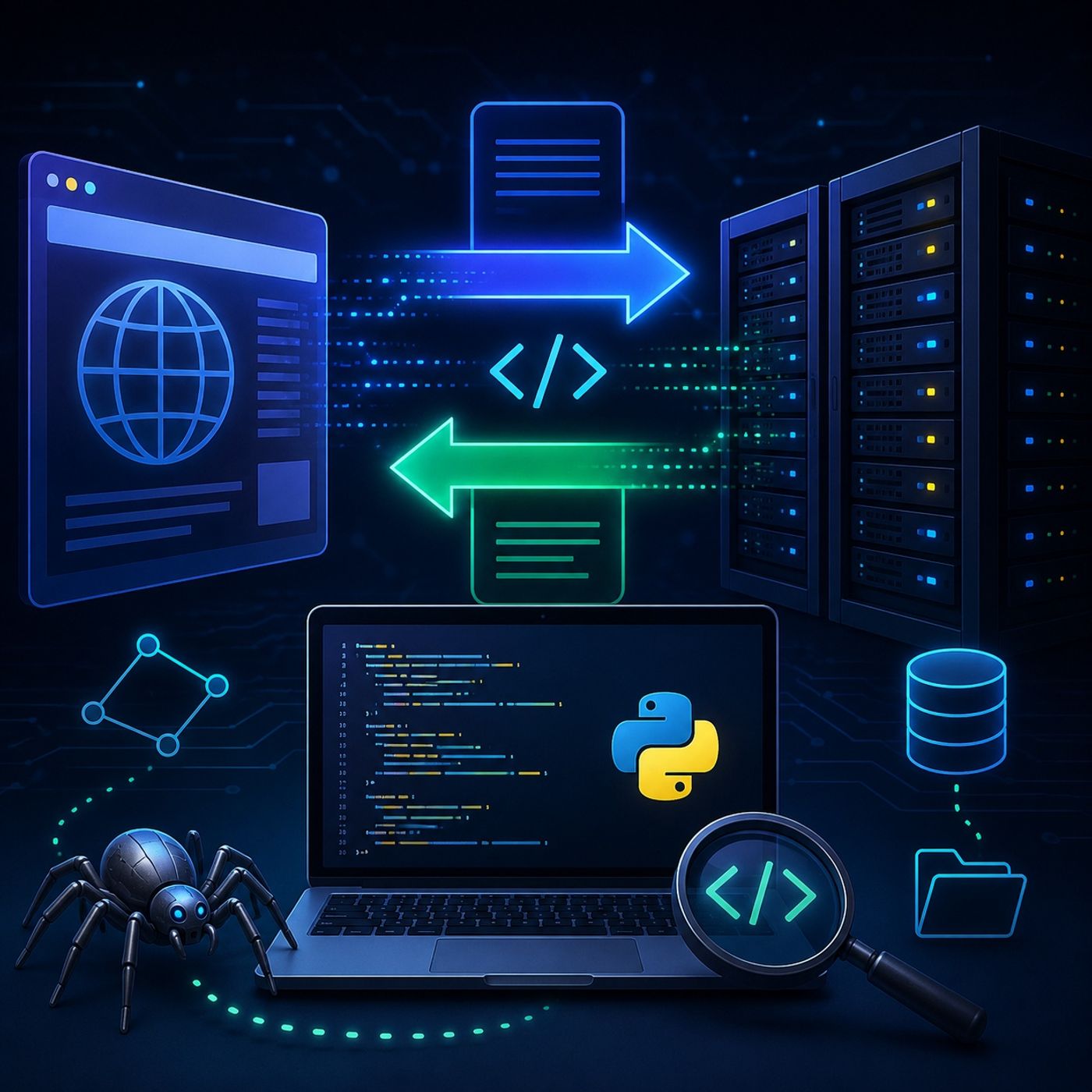
Scraping is not guessing—it’s reading and navigating structured documents2. How the Web Works (Client ↔ Server)🔹 The Core ModelEvery web interaction follows this pattern:
Because you're reading, not modifying5. Understanding Status Codes🔹 Server Responses ExplainedCodeMeaning200Success ✅404Not Found ❌403Forbidden 🚫500Server Error ⚠️🔹 Why It Matters
Fetching + Parsing🔹 Two-Step Workflow
You’re talking directly to servers11. Mental ModelBrowser = Client
Python Script = Client👉 Same role, different interface12. Big Picture Workflow
Once you master HTTP, everything else—parsing, automation, scaling—becomes much easier because you’re no longer guessing… you’re interacting with the web exactly as it was designed.
You can listen and download our episodes for free on more than 10 different platforms:
https://linktr.ee/cybercode_academy
- Python 3
- HTML structure
- CSS basics
Scraping is not guessing—it’s reading and navigating structured documents2. How the Web Works (Client ↔ Server)🔹 The Core ModelEvery web interaction follows this pattern:
- Client (browser or script) sends a request
- Server processes it
- Server returns a response
- URL
- Method (GET, POST, etc.)
- Headers (metadata)
- Status code
- Headers
- Body (actual data: HTML, JSON, etc.)
- The language of the web
- Defines how requests and responses work
Because you're reading, not modifying5. Understanding Status Codes🔹 Server Responses ExplainedCodeMeaning200Success ✅404Not Found ❌403Forbidden 🚫500Server Error ⚠️🔹 Why It Matters
- Helps debug scripts
- Explains failures quickly
Fetching + Parsing🔹 Two-Step Workflow
- Fetch
- Download page (HTML)
- Parse
- Extract specific data from structure
- Easy syntax
- Most widely used
- More control over headers & caching
- No installation needed
- Less user-friendly
- Sends GET request
- Receives response
- Decodes raw bytes → readable text
- Content-Type
- Server info
- Cookies
- HTML
- JSON
- ملفات / images
- Faster
- Automated
- No UI needed
You’re talking directly to servers11. Mental ModelBrowser = Client
Python Script = Client👉 Same role, different interface12. Big Picture Workflow
- Send HTTP request
- Receive response
- Extract data
- Store or analyze
Once you master HTTP, everything else—parsing, automation, scaling—becomes much easier because you’re no longer guessing… you’re interacting with the web exactly as it was designed.
You can listen and download our episodes for free on more than 10 different platforms:
https://linktr.ee/cybercode_academy
Hosts & guests
No transcript yet
This episode has not been transcribed. Request it and it moves to the front of the queue.
More episodes


