Loading...
educationJun 11, 202612:50pending
Course 36 - Windows Forensics and Tools | Episode 13: Decoding Registry Artifacts and Connection History
About this episode
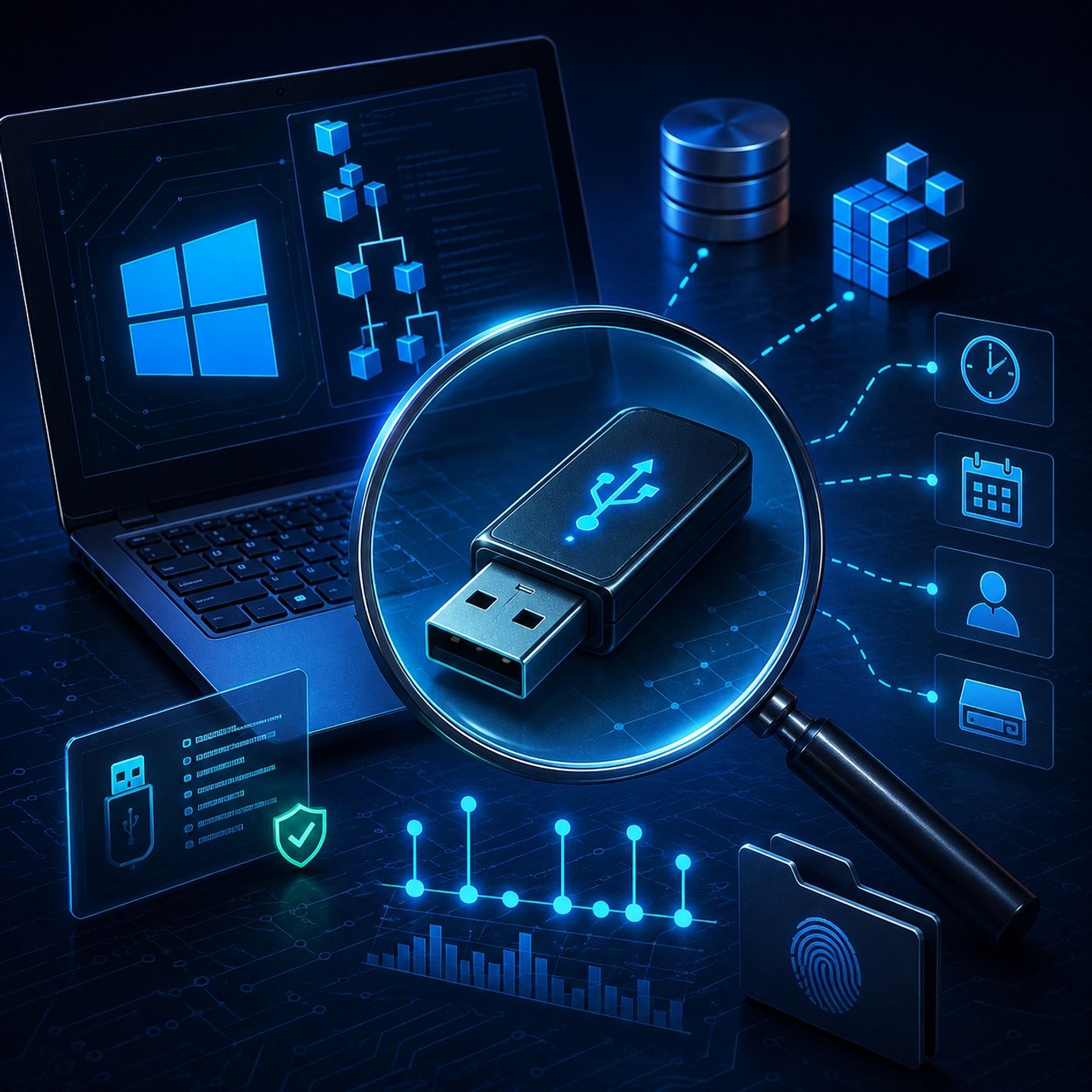
In this lesson, you’ll learn about: Windows USB forensics and how external device activity is tracked through the Windows Registry1. What Is Windows USB Forensics?USB forensics focuses on identifying and analyzing traces left by:
Even after a device is unplugged or removed, Windows keeps permanent evidence of its connection.2. Why USB Devices Leave Forensic EvidenceWhen a USB device is connected, Windows automatically:
This allows investigators to reconstruct:
A registry location that stores details of USB storage devices🔹 What it records
This is the digital fingerprint of every USB device ever connected4. MountedDevices Key (Drive Letter Mapping)🔹 What it is
Links physical USB devices to assigned drive letters (E:, F:, etc.)🔹 What it reveals
Helps reconstruct how the system interacted with external storage5. MountPoints2 Key (User-Level Evidence)🔹 What it is
Stores per-user information about mounted devices🔹 What it reveals
Connects USB activity directly to a specific Windows user account6. Forensic Significance of USB Artifacts🔹 What investigators can determine:
USB history helps build a complete behavioral timeline of data movement7. USBDeview Tool (Practical Analysis)🔹 What it does
Automatically extracts USB history from the system🔹 What it shows
Turns raw registry data into readable forensic evidence8. Live System Analysis Considerations🔹 When analyzing active systems:
Live analysis requires strict forensic discipline to avoid contamination9. Linking USB Devices to Real-World Activity🔹 Investigation process:
USB device → Registry traces → User account → Timeline reconstruction👉 Key Insight
This allows investigators to connect a physical device to a specific suspect machineKey Takeaways
You can listen and download our episodes for free on more than 10 different platforms:
https://linktr.ee/cybercode_academy
- USB flash drives
- External hard drives
- Digital cameras and mobile storage devices
Even after a device is unplugged or removed, Windows keeps permanent evidence of its connection.2. Why USB Devices Leave Forensic EvidenceWhen a USB device is connected, Windows automatically:
- Logs device identity
- Stores serial numbers
- Records connection history
- Links devices to specific users
This allows investigators to reconstruct:
- Who used the device
- When it was connected
- What machine it was connected to
A registry location that stores details of USB storage devices🔹 What it records
- Vendor name (e.g., SanDisk, Kingston)
- Product model
- Unique serial number
This is the digital fingerprint of every USB device ever connected4. MountedDevices Key (Drive Letter Mapping)🔹 What it is
Links physical USB devices to assigned drive letters (E:, F:, etc.)🔹 What it reveals
- Which USB got which drive letter
- How Windows mapped the storage at connection time
Helps reconstruct how the system interacted with external storage5. MountPoints2 Key (User-Level Evidence)🔹 What it is
Stores per-user information about mounted devices🔹 What it reveals
- Which user connected the device
- Access history from user profile perspective
Connects USB activity directly to a specific Windows user account6. Forensic Significance of USB Artifacts🔹 What investigators can determine:
- First time a device was plugged in
- Last time it was used
- Frequency of usage
- Possible data transfer activity
USB history helps build a complete behavioral timeline of data movement7. USBDeview Tool (Practical Analysis)🔹 What it does
Automatically extracts USB history from the system🔹 What it shows
- Device name and model
- Serial number
- First/last connection time
- Plug/unplug events
Turns raw registry data into readable forensic evidence8. Live System Analysis Considerations🔹 When analyzing active systems:
- Registry must be extracted carefully
- Evidence integrity must be preserved
- Avoid modifying timestamps or device traces
Live analysis requires strict forensic discipline to avoid contamination9. Linking USB Devices to Real-World Activity🔹 Investigation process:
USB device → Registry traces → User account → Timeline reconstruction👉 Key Insight
This allows investigators to connect a physical device to a specific suspect machineKey Takeaways
- Windows permanently records USB device history in the registry
- USBSTOR stores device identity and serial numbers
- MountedDevices maps USBs to drive letters
- MountPoints2 links devices to specific users
- Tools like USBDeview simplify forensic extraction
You can listen and download our episodes for free on more than 10 different platforms:
https://linktr.ee/cybercode_academy
Hosts & guests
No transcript yet
This episode has not been transcribed. Request it and it moves to the front of the queue.
More episodes


