About this episode
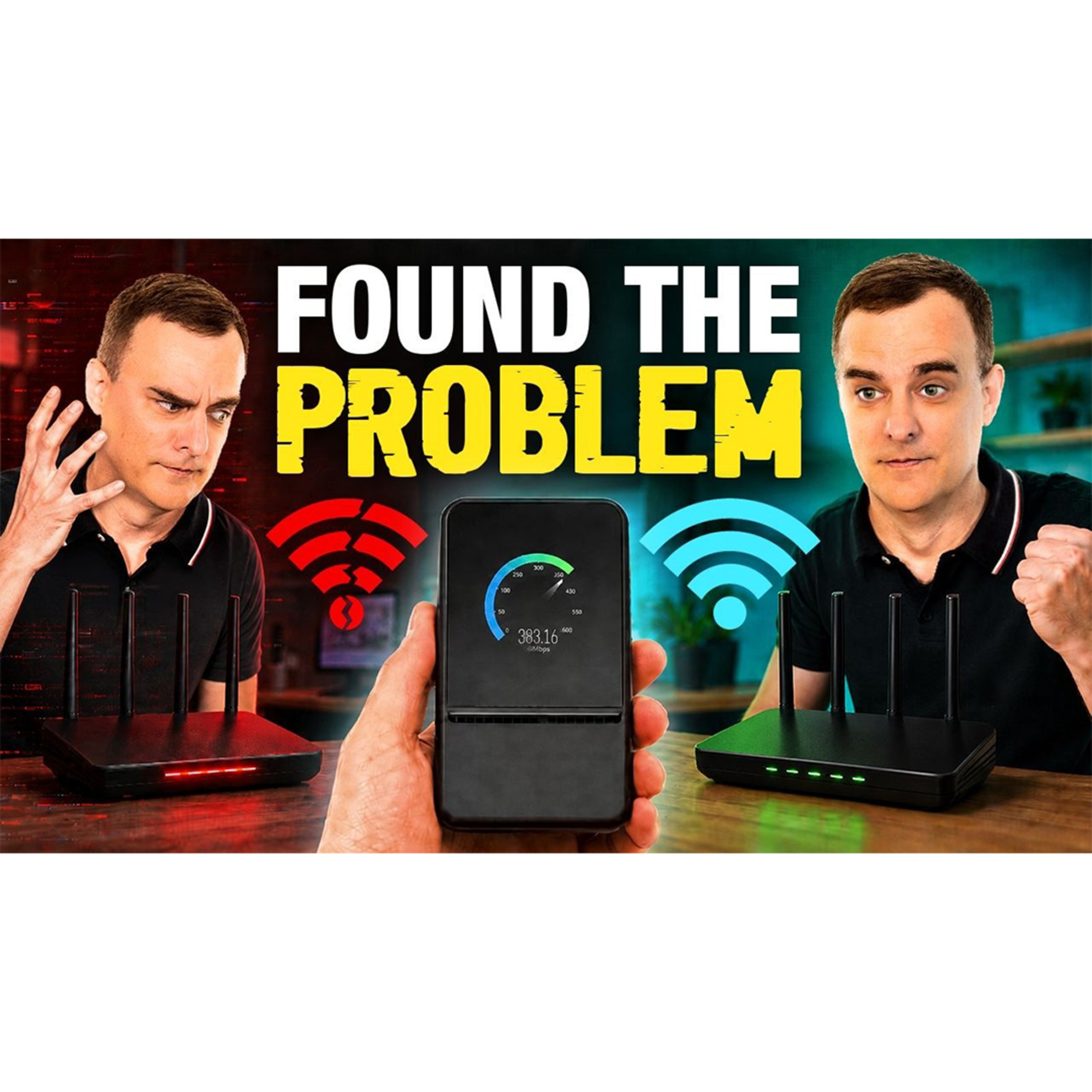
Your internet speed can look fine while your Wi-Fi is still failing. Packet loss, latency, congested channels, interference and poor configuration can all damage performance, but a normal speed test will not show you the full picture.
In this video, I test the Ookla Speedtest Pulse, a pocket-sized Wi-Fi 7 diagnostic tool that measures more than 25 network metrics in around 45 seconds. We test Wi-Fi at the Natural History Museum in London and examine results from an Airbnb to identify whether the problem comes from the Wi-Fi network, wired connection or internet service provider.
Matt explains how the device tests 2.4, 5 and 6 GHz Wi-Fi, detects channel problems, measures signal quality and gives you practical recommendations in plain English.
We also compare Speedtest Pulse with the normal Speedtest application, laptopbased tools and the Ekahau Sidekick 2. You will see its current limitations, upcoming continuous monitoring features and how it could help technicians finally capture intermittent Wi-Fi problems.
Big thanks to OOKLA for sponsoring this video. To get your own Speedtest Pulse please use the following link: https://wifi.ekahau.com/david-bombal-...
// Matt Starling’s SOCIAL //
LinkedIn: / matt-starling-03913633
X: https://x.com/mattstarling?s=21
// Ookla’s SOCIAL //
LinkedIn: / ookla
// David's SOCIAL //
Discord: discord.com/invite/usKSyzb
Twitter: www.twitter.com/davidbombal
Instagram: www.instagram.com/davidbombal
LinkedIn: www.linkedin.com/in/davidbombal
Facebook: www.facebook.com/davidbombal.co
TikTok: tiktok.com/@davidbombal
YouTube: / @davidbombal
Spotify: open.spotify.com/show/3f6k6gE...
SoundCloud: / davidbombal
Apple Podcast: podcasts.apple.com/us/podcast...
// MY STUFF //
https://www.amazon.com/shop/davidbombal
// SPONSORS //
Interested in sponsoring my videos? Reach out to my team here: [email protected]
// MENU //
0:00 - Coming Up
0:58 - Testing Public Wi-Fi in London
01:40 - What Is the Speedtest Pulse?
03:40 - Pulse vs Speedtest vs Sidekick 2
06:19 - Making Wi-Fi Troubleshooting Easy
07:44 - Running a Wi-Fi Test
09:22 - Understanding Wi-Fi Performance Scores
11:16 - Reports and Cloud Results
13:00 - Active vs Continuous Pulse
15:14 - Wired and Wireless Network Testing
18:05 - Why Not Just Use a Laptop?
21:02 - Mobile Support and Wi-Fi 7 Hardware
23:17 - Understanding Your Wi-Fi Score
26:54 - Wi-Fi Security and PMF
29:03 - Signal Strength and Transmit Power
30:19 - Wi-Fi Channels and Interference
31:58 - How to Improve Your Wi-Fi
33:12 - WPA3 Best Practices
34:16 - Price and Coverage Mapping
35:59 - Pulse vs Sidekick 2 for Interference
38:36 - Solving Intermittent Wi-Fi Problems
40:32 - Cloud Monitoring and Multi-Site Management
42:12 - Final Thoughts
Please note that links listed may be affiliate links and provide me with a small
percentage/kickback should you use them to purchase any of the items listed or recommended.
Thank you for supporting me and this channel!
Disclaimer: This video is for educational purposes only.
#ookla #speedtest #wifi
Get every episode summarized
Each time David Bombal publishes, we email you a written briefing from the transcript — the topics, who appeared, and any specific claims, with the ad reads skipped.
Email me new episodesFree for 3 shows. No card needed.
Hosts & guests
No transcript yet
This episode has not been transcribed. Request it and it moves to the front of the queue.
More episodes
More from David Bombal

#600: This Free Tool Decodes Game Boy ROM From a Photograph
David Bombal

#598: AI Can’t Understand Intent. That’s a Security Problem
David Bombal

#597: The Hacking Gadgets You Need to Know
David Bombal

#596: This is the Real Cybersecurity Problem
David Bombal